Canon R6 II vs. R6 III
When Is the Extra Cost Worth It?
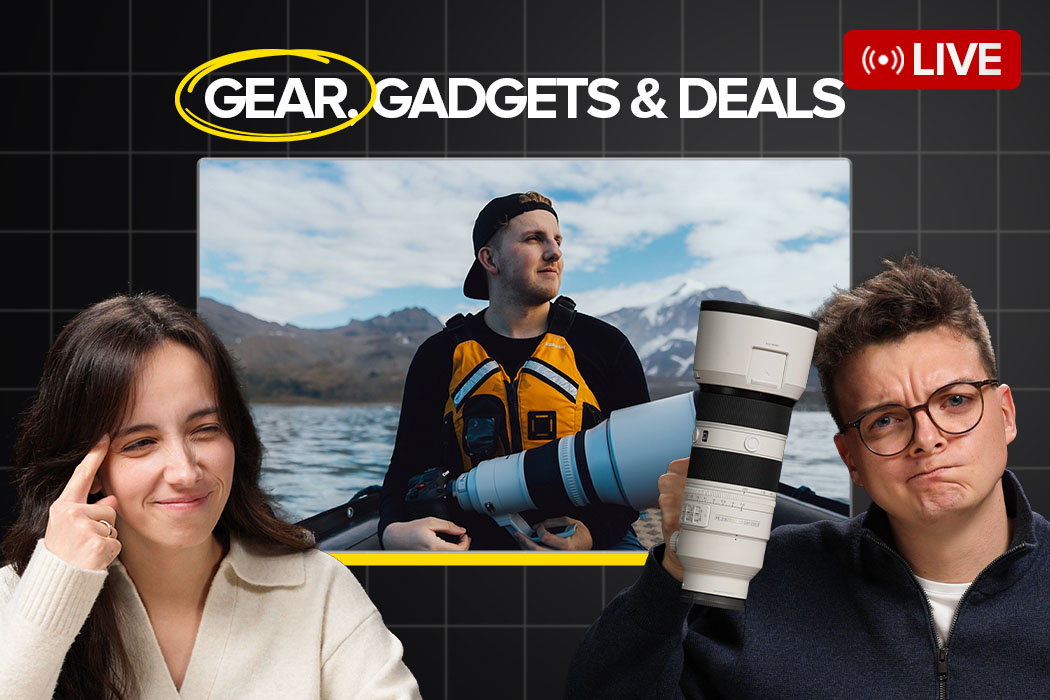
Higher resolution, Open Gate, and internal RAW video make the Canon EOS R6 Mark III an exciting option. At the same time, the R6 Mark II already offers a lot for both photography and video. In our Black Weeks Studio, we discuss who will benefit from the additional features and when it makes more sense to allocate your budget to Lenses, audio, or lighting.


Unfortunately, we cannot offer this article here. However, you are welcome to order it at www.fotokoch.de
Canon EOS R6 Mark III Body
- 32.5-megapixel resolution in a full-frame sensor
- 40 frames per second with pre-shooting function
- Videos up to 7K at 60 fps in RAW, as well as OpenGate up to 30 fps
- 4K at 120 fps with up to 5 seconds of pre-recording
- Dual Pixel CMOS AF II with state-of-the-art person, animal, and vehicle detection
- In-camera image stabilization with up to 8.5 stops of stabilization effect
- Wi-Fi and Bluetooth connectivity
- CFexpress and UHS-II SD card slots

Canon EOS R6 Mark II Body
- 24 megapixels
- with a standard ISO range up to 102,400 for outstanding image quality in all lighting conditions
- Extremely fast
- Up to 40 frames per second with full AF/AE tracking
- Deep Learning AF now also features detection of horses, airplanes, and trains
- IBIS with up to 8 stops of compensation
- Professional-quality video with 4K60p oversampled without cropping and 6K60p RAW with external recording
- Up to 6 hours of video recording time
Photography: How Much Resolution Do You Need?
With 24.2 megapixels, the R6 II is well-suited for many portraits, weddings, and travel photos. Karis has used both cameras to photograph weddings and found the lower resolution of the R6 II to be sufficient for her work.
With 32.5 megapixels, the R6 III offers more headroom for tight croppings and large prints. This helps, for example, when a bird remains small in the frame despite using a telephoto lens. The more you crop, the more important the additional resolution becomes.
For sports and wildlife photography, the post-capture workflow is also a factor. Both cameras can shoot up to 40 frames per second electronically. With a compatible CFexpress card, the III can sustain longer bursts and saves the pre-captured images directly as individual files. With the R6 II, the desired images must be extracted from the RAW burst container.

Filming: When Are Open Gate and 4K120 Useful?
The R6 II already delivers internal 4K up to 60p across the full sensor width. For interviews, YouTube videos, and occasional slow-motion footage, this provides a solid foundation.
The R6 III takes it a step further with internal 7K RAW, 4K up to 120p, and 7K Open Gate up to 30p. Open Gate utilizes the full 3:2 sensor format. For example, you can edit an event interview to create a horizontal recap and a vertical social media clip. The additional image area provides more flexibility when cropping. Depending on the mode, RAW and high frame rates result in larger files and require additional memory cards.
Conclusion & Black Weeks Deal
Both cameras have a special offer for Black Weeks 2026. The deals combine a discount with a fast prime lens. The compact 50mm is perfect for everyday use and portraits. The 45mm offers a slightly wider angle of view and, with an f/1.2 aperture, greater light-gathering power and more flexibility when isolating your subject.
If you’re just setting up your system, you can invest the money you save in additional focal lengths, a microphone, or lighting, depending on your needs. If you already have the right gear and specific projects in mind for Open Gate, RAW, or long series, the R6 III is the better choice.


FAQs
Yes. Its 24.2 megapixels are sufficient for many digital publications and print applications. If you regularly crop heavily or need particularly high output resolutions, the III offers more headroom.
The R6 III offers more cropping flexibility, longer burst modes with CFexpress, and a simpler pre-shooting workflow. The R6 II remains a good option if the money you save will allow you to purchase the right telephoto lens first.
You can also edit a portrait-oriented clip from a 16:9 shot. Open Gate gives you additional frame space and makes it easier to adapt to multiple formats. You should already consider the later portrait-oriented crop while shooting.
Upgrading is especially worthwhile if you regularly run into specific limitations—such as when cropping, shooting long takes, or working with certain video formats. If your current setup meets your needs, a compatible lens or better audio and lighting equipment might be a more sensible next purchase.